Cropping PDF pages as Bitmaps
On Windows with Acrobat Reader I found it impossible to zoom in for printing as I wanted. I need to read stuff offline and small print is hard for me to read. The easy way to change a PDF would be to download yet another program.
ALTERNATIVES
My main choices were:
Fiddling with a suitable odd/even pages for the crop size and offsets that work for the whole 73 pages of the chapter I wanted was most time consuming .. apart from waiting for the printing .. and writing this short note :)
Pixel regions to crop are specified with "widthxheight+x_off+y_off" here I used for odd "870x1300+190+180" and for even "870x1300+230+180".
COMMAND LINE OPTIONS
# GhostView command line to convert PDF pages to high quality bitmaps
gs -dTextAlphaBits=4 -dJPEGQ=95 -dNOPAUSE -q -r150 -dBATCH -dUseCropBox -sDEVICE=jpeg -sOutputFile=x%d.jpg -dFirstPage=229 -dLastPage=301 /cygdrive/C/Users/James/Desktop/bv_cvxbook.pdf
# ImageMagick command line to crop odd and even pages
for i in {1..37}; do convert ./x$((2*$i-1)).jpg -crop 870x1300+190+180 ./xx$((2*$i-1)).jpg; convert ./x$((2*$i)).jpg -crop 870x1300+230+180 ./xx$((2*$i)).jpg; done
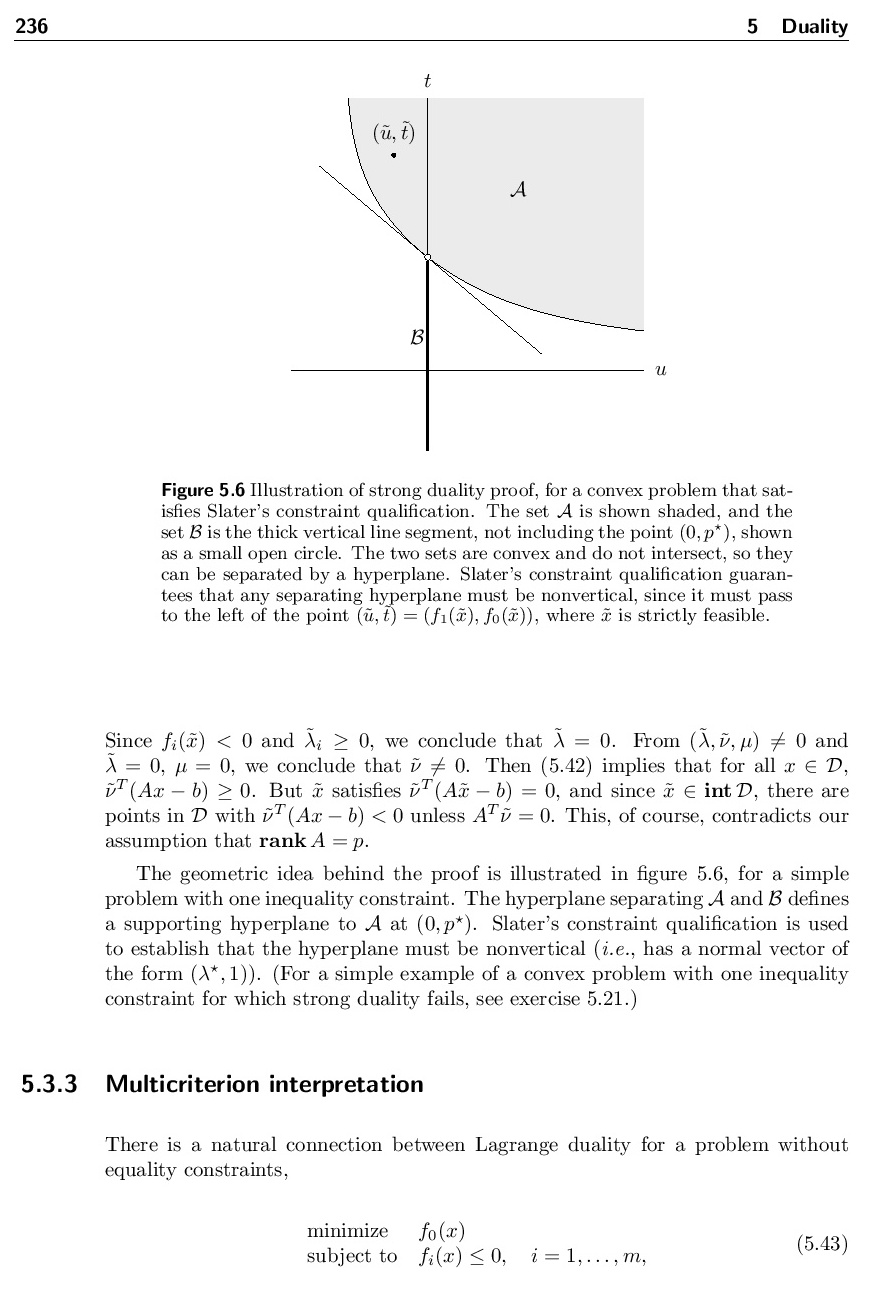
ALTERNATIVES
- Briss an opensource project written by Gerhard Aigner in Java seems the best lightweight tool
However I already had Ghostscript gs and ImageMagick convert on my machine .. and cygwin which provides the bash shell.
- PDFill free to use from PlotSoft LLC has more functionality.
My main choices were:
- turn on anti-aliasing "-dTextAlphaBits=4"
- use jpeg compression but very high quality "-dJPEGQ=95 -sDEVICE=jpeg"
- set resolution at 150 pixels per inch (the printer inks these at 600 dpi). "-r150"
Fiddling with a suitable odd/even pages for the crop size and offsets that work for the whole 73 pages of the chapter I wanted was most time consuming .. apart from waiting for the printing .. and writing this short note :)
Pixel regions to crop are specified with "widthxheight+x_off+y_off" here I used for odd "870x1300+190+180" and for even "870x1300+230+180".
COMMAND LINE OPTIONS
# GhostView command line to convert PDF pages to high quality bitmaps
gs -dTextAlphaBits=4 -dJPEGQ=95 -dNOPAUSE -q -r150 -dBATCH -dUseCropBox -sDEVICE=jpeg -sOutputFile=x%d.jpg -dFirstPage=229 -dLastPage=301 /cygdrive/C/Users/James/Desktop/bv_cvxbook.pdf
# ImageMagick command line to crop odd and even pages
for i in {1..37}; do convert ./x$((2*$i-1)).jpg -crop 870x1300+190+180 ./xx$((2*$i-1)).jpg; convert ./x$((2*$i)).jpg -crop 870x1300+230+180 ./xx$((2*$i)).jpg; done
Comments
Post a Comment